Can it switch browser tabs?
No. TabFlow switches macOS windows, not browser tabs.

Switch windows, not just apps.
Requires macOS 14.0+
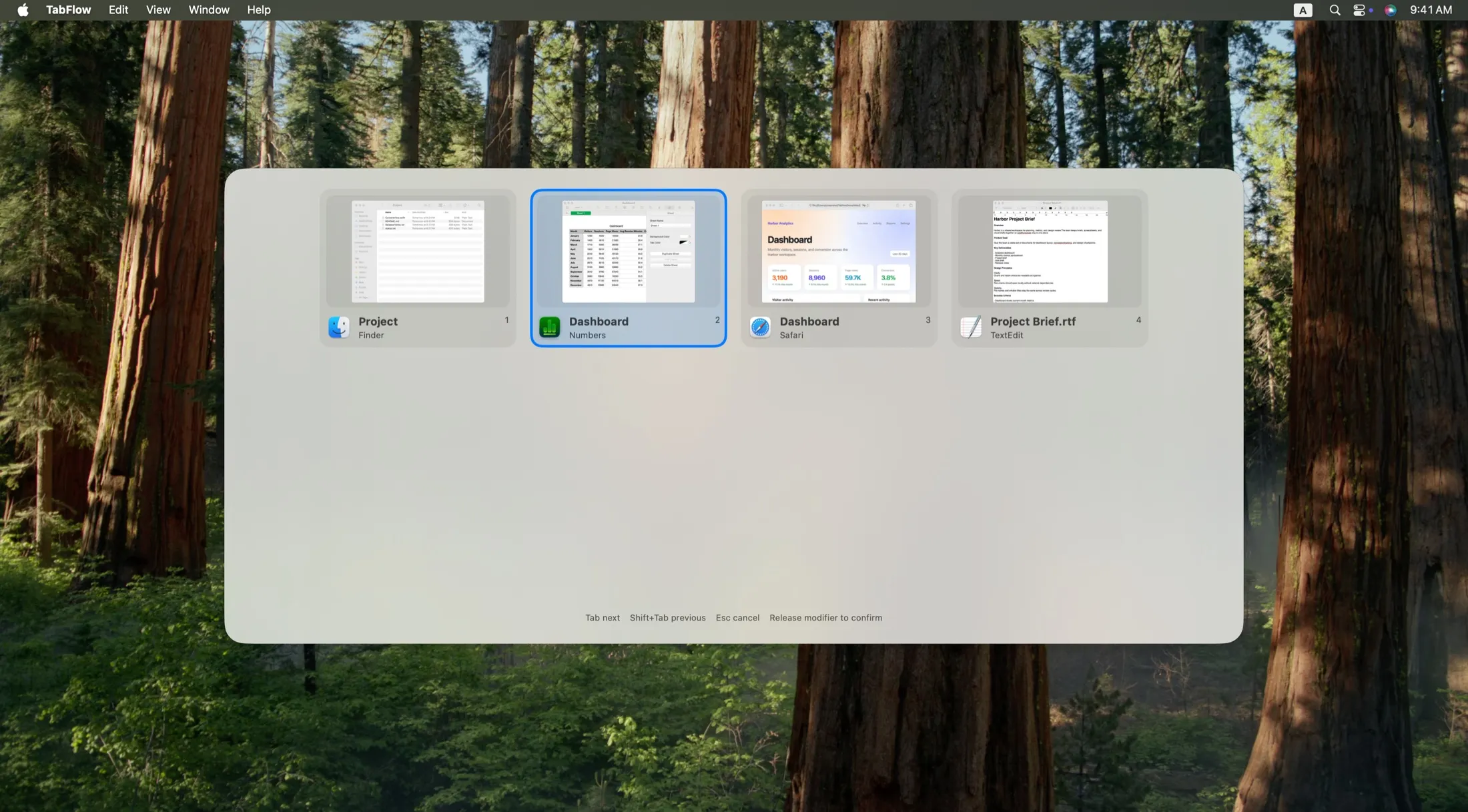
Command-Tab switches applications. TabFlow opens a list of windows. Press ⌥ Tab, select one, and release ⌥ to switch.
Grid and list layouts show window titles, app names, and optional live thumbnails.
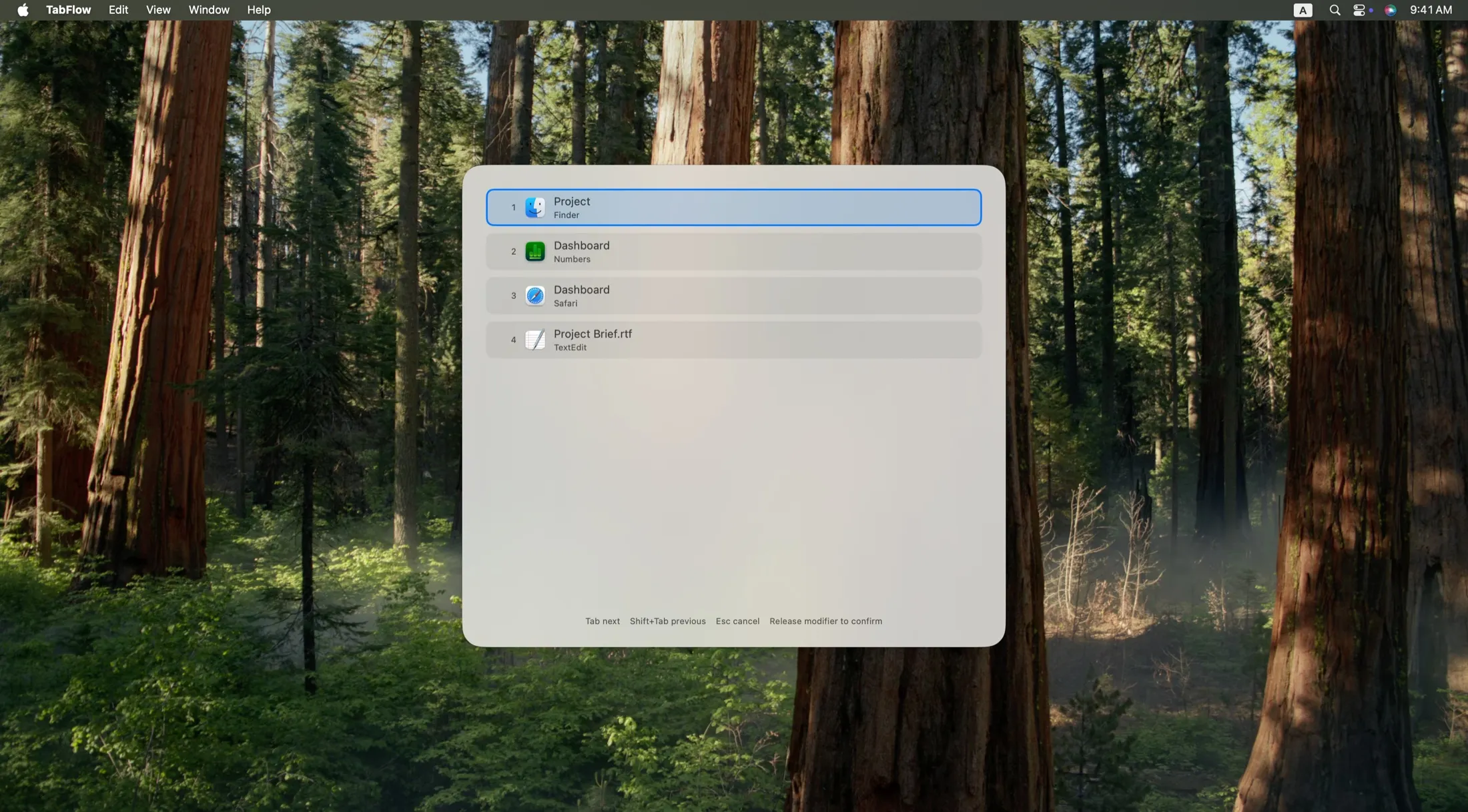
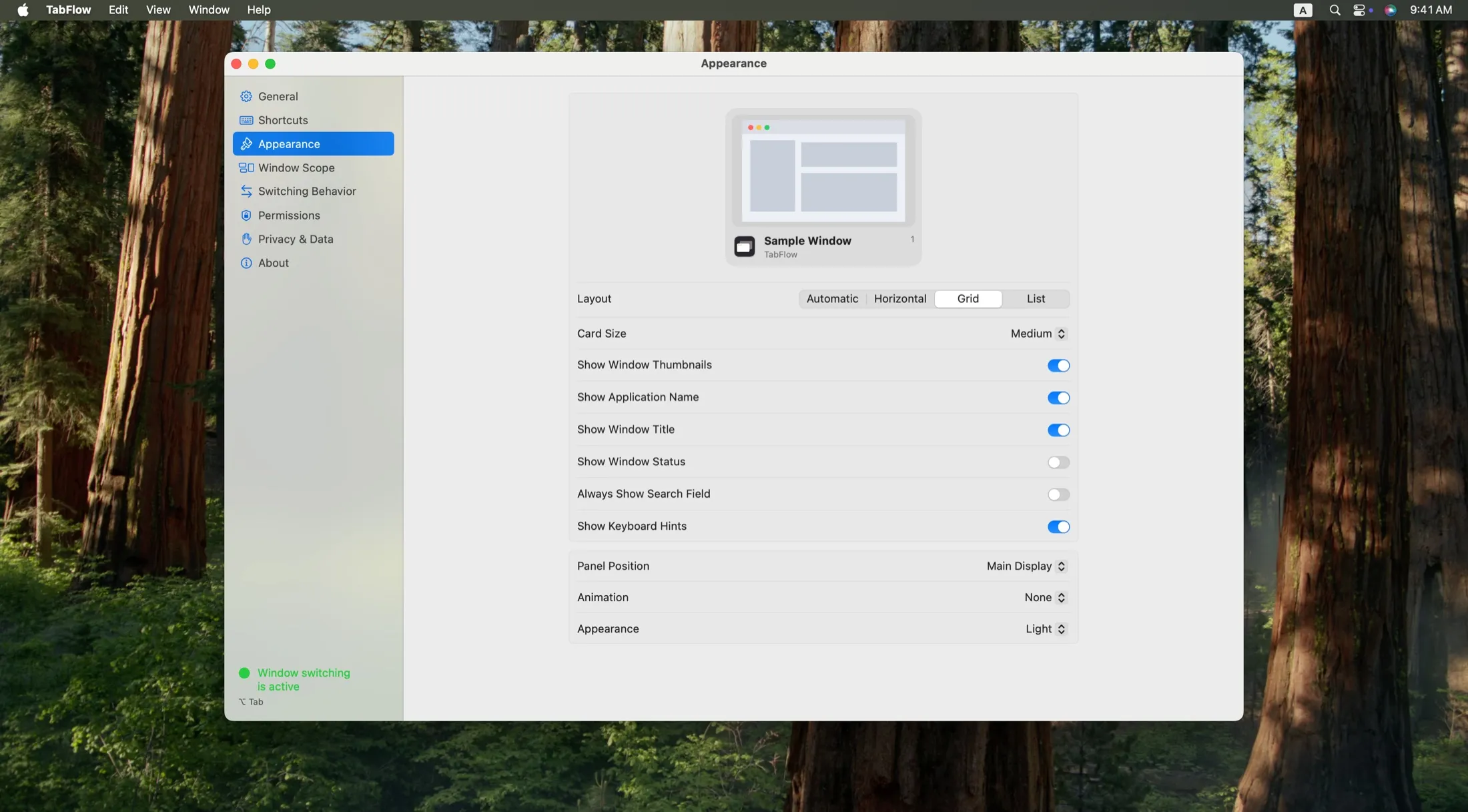
Choose layout, window scope, sort order, and grouping. Local usage statistics show switching patterns and can be exported or cleared. The overlay can follow the active window, the pointer, or a display.
Window information, thumbnails, and usage statistics stay on the Mac.
| Permission | Need | Use |
|---|---|---|
| Accessibility | Required | Read window information, restore minimized windows, and switch |
| Input Monitoring | Required | Global shortcut |
| Screen Recording | Optional | Window thumbnails |
No. TabFlow switches macOS windows, not browser tabs.
Yes. TabFlow can switch to windows on other displays.
Thumbnails need Screen Recording. Switching still works with app icons and window titles.
Only local statistics are recorded when enabled: the application and local time for completed switches. Data stays on your Mac and can be exported or cleared.
No. TabFlow only switches existing windows. It does not resize or arrange them.